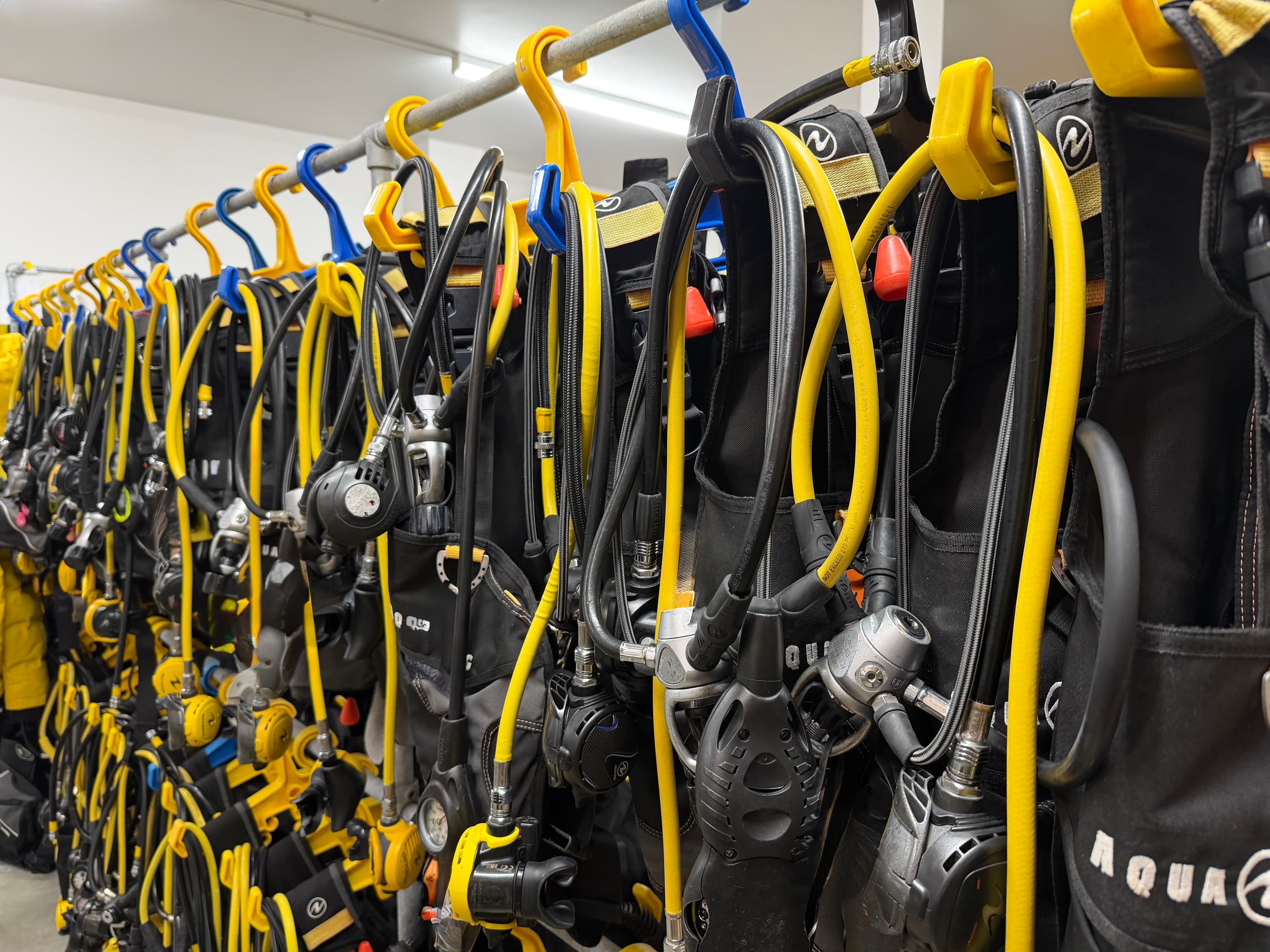
Gear Tracking
Know where every piece of kit is. Right now.
NFC-tagged equipment tracking with service history, compliance alerts, and stock takes. From reg sets to cylinders, every item has a digital record that follows it everywhere.
Everything you need to run a tight gear shed.
NFC tap-to-identify
Every piece of equipment gets an NFC tag. Tap it with a phone to pull up the full record -- serial number, service history, current assignment, and compliance status. No barcodes, no typing.
Service history & scheduling
Log every service, repair, and inspection against the gear record. Set service intervals and get alerts before equipment falls out of compliance. Full audit trail for every piece of kit.
Check-out and check-in
Know who has what, right now. Staff check gear out to a trip or a customer and check it back in when they return. Every movement is logged with a timestamp and a name.
Stock takes
Walk through the gear shed with your phone. Tap each tag. Reefline shows you what you have, what's missing, and what's still out on a trip. Stock takes go from hours to minutes.
Compliance alerts
Service overdue? Cert expired? Equipment flagged? Reefline surfaces problems before they become incidents. Automatic alerts for anything that needs attention.
Gear categories & filtering
Organise gear by type -- BCDs, regulators, cylinders, wetsuits, weights, cameras. Filter by status, location, or assignment. Find what you need fast.
The gear shed, digitised
A purpose-built app for the crew member managing gear -- from assigning kit to tracking every service.
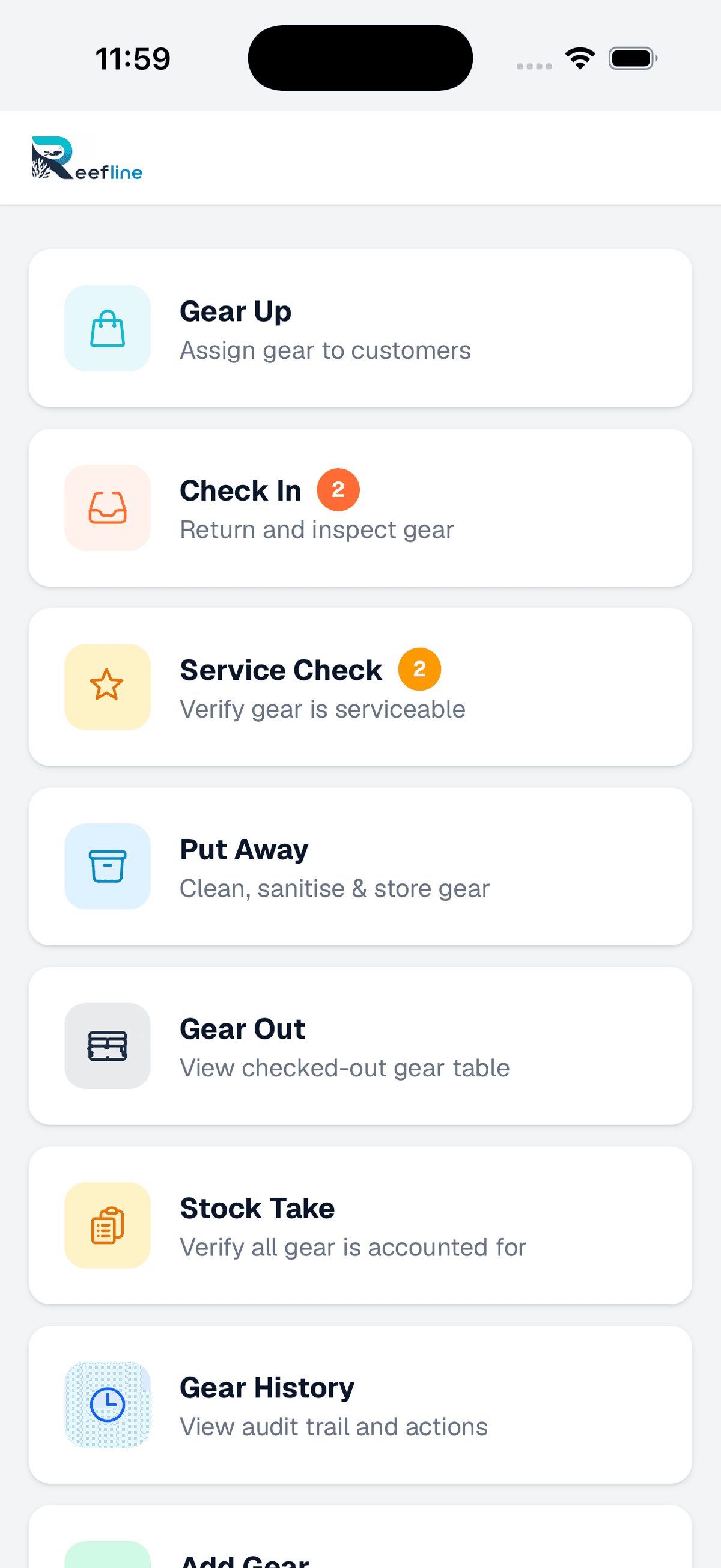
One screen, every workflow
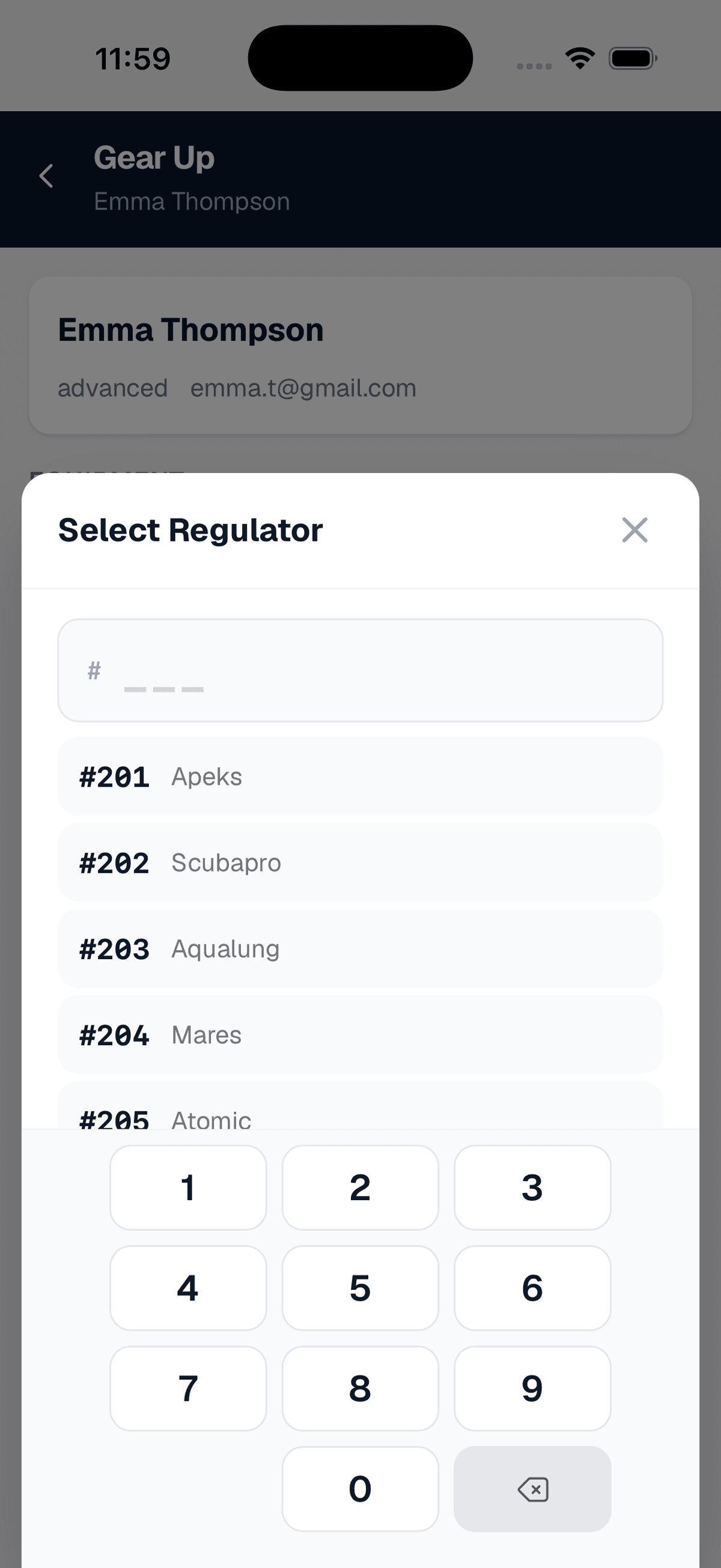
Tracked gear assignment
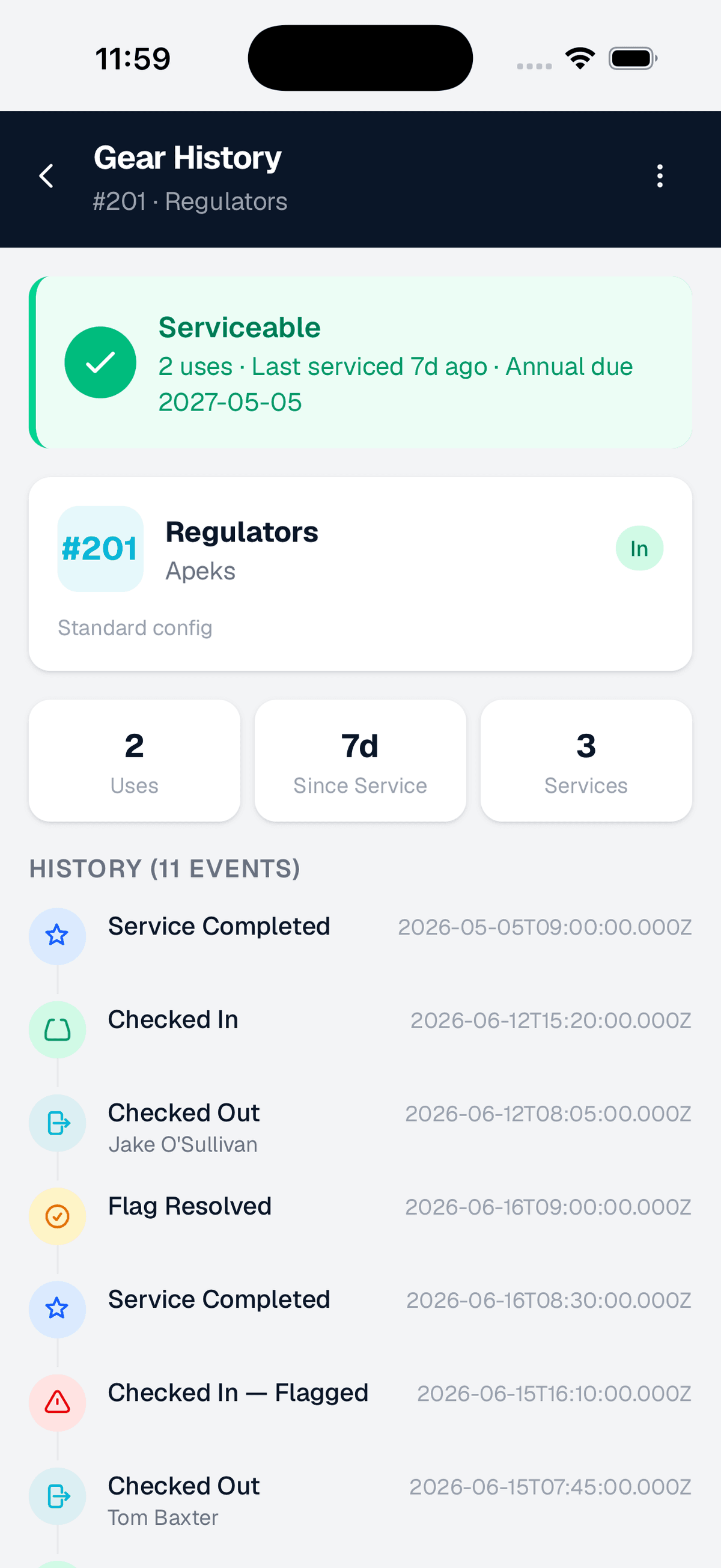
Full audit trail per item
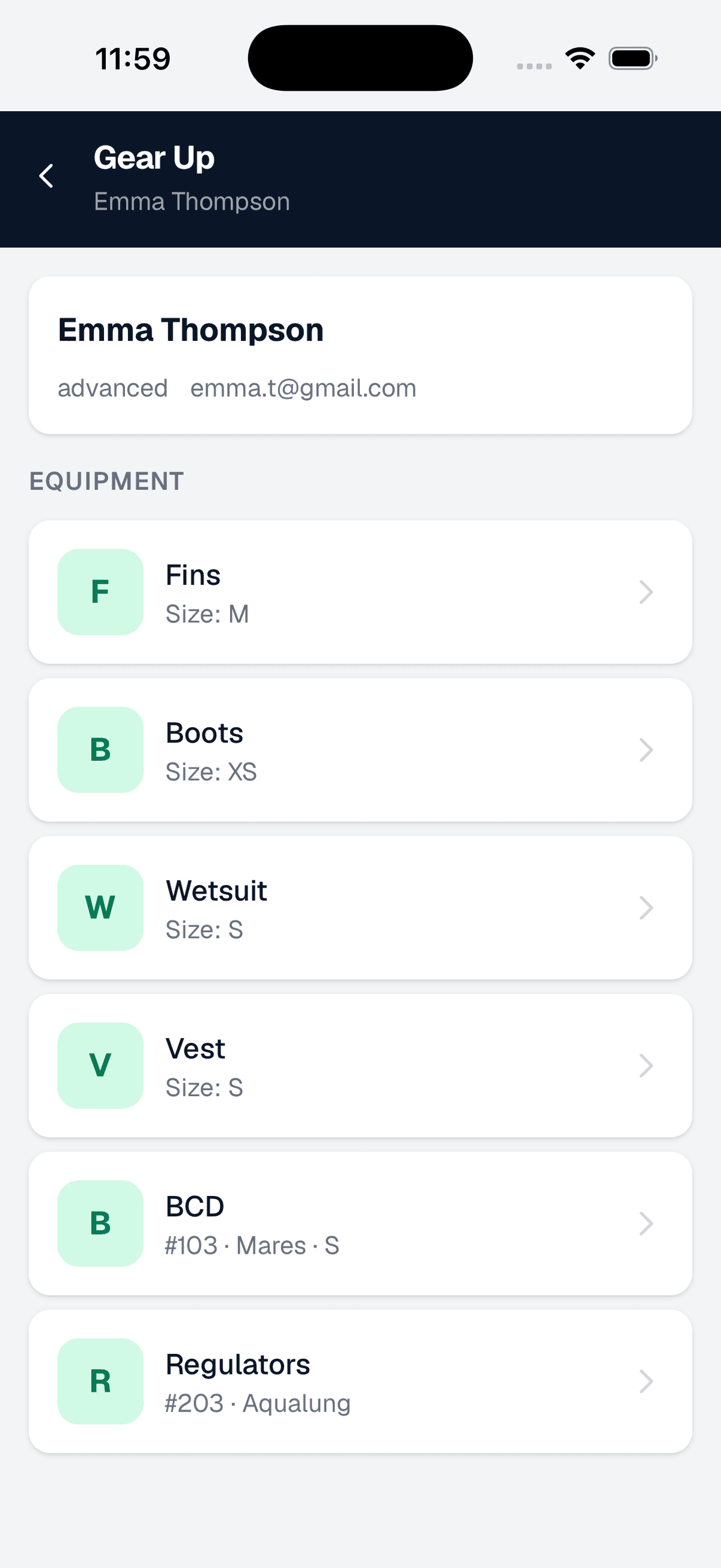
Gear-up complete
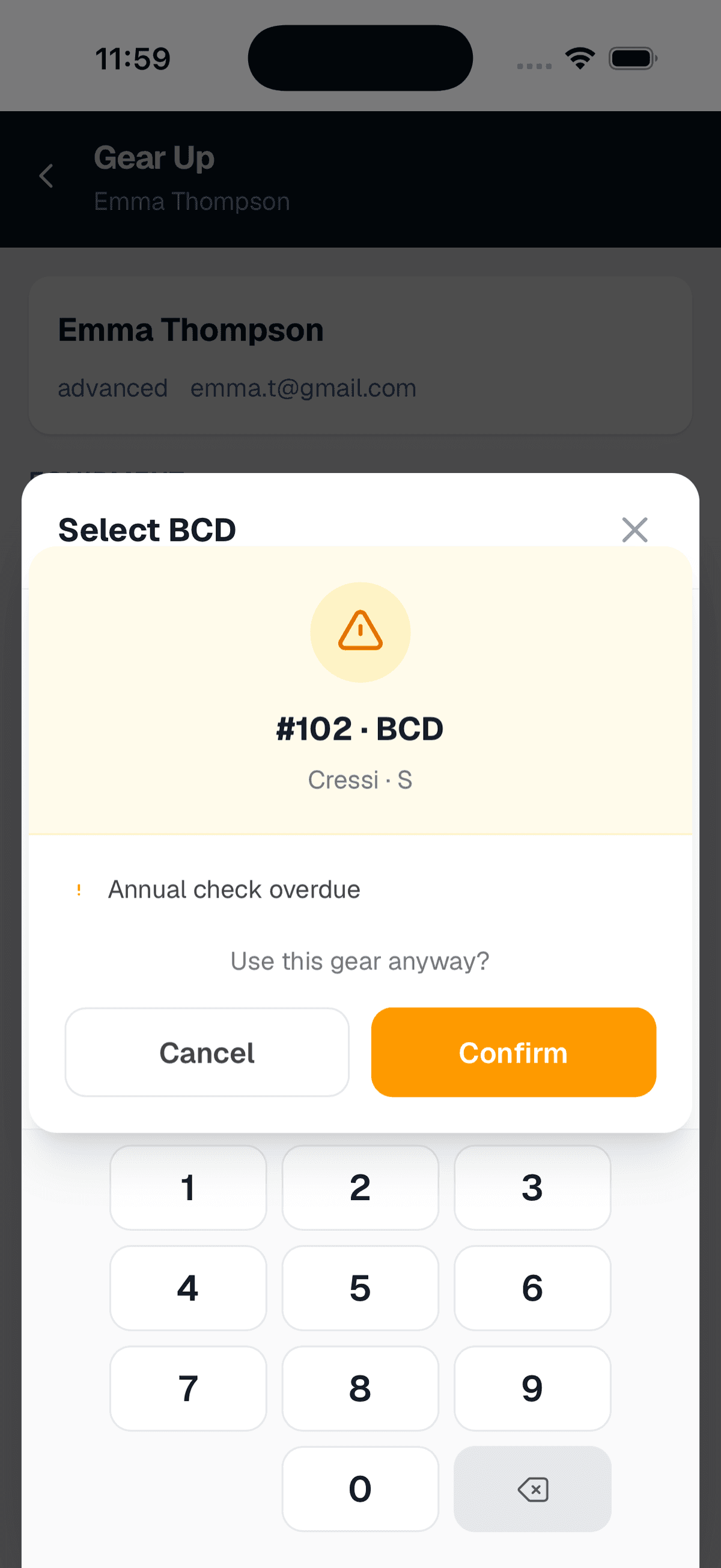
Service warning flagged
The admin view
Manage your gear inventory, configure tracking rules, and pull compliance reports -- all from the admin panel.
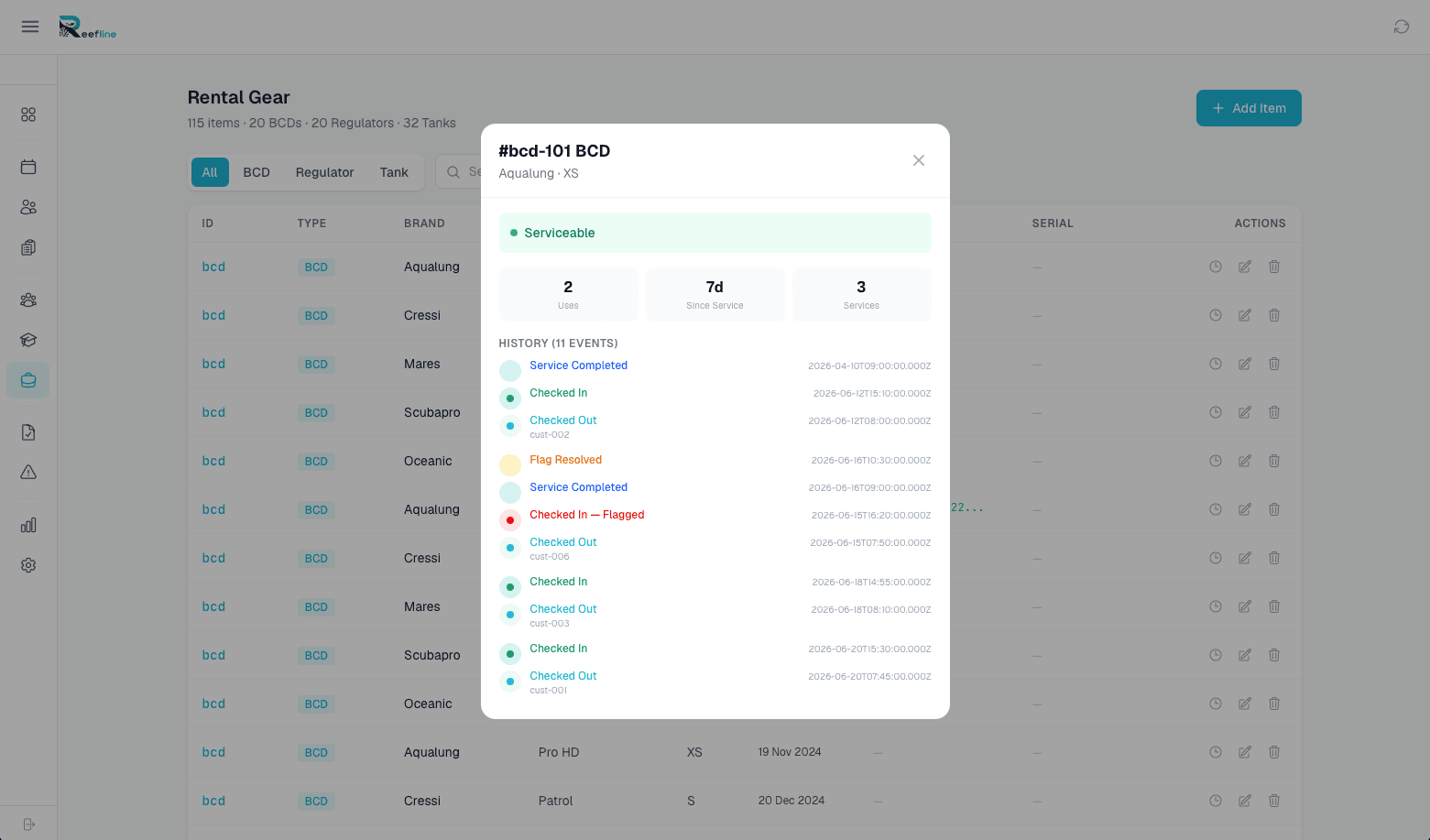
Gear inventory -- every item, every status
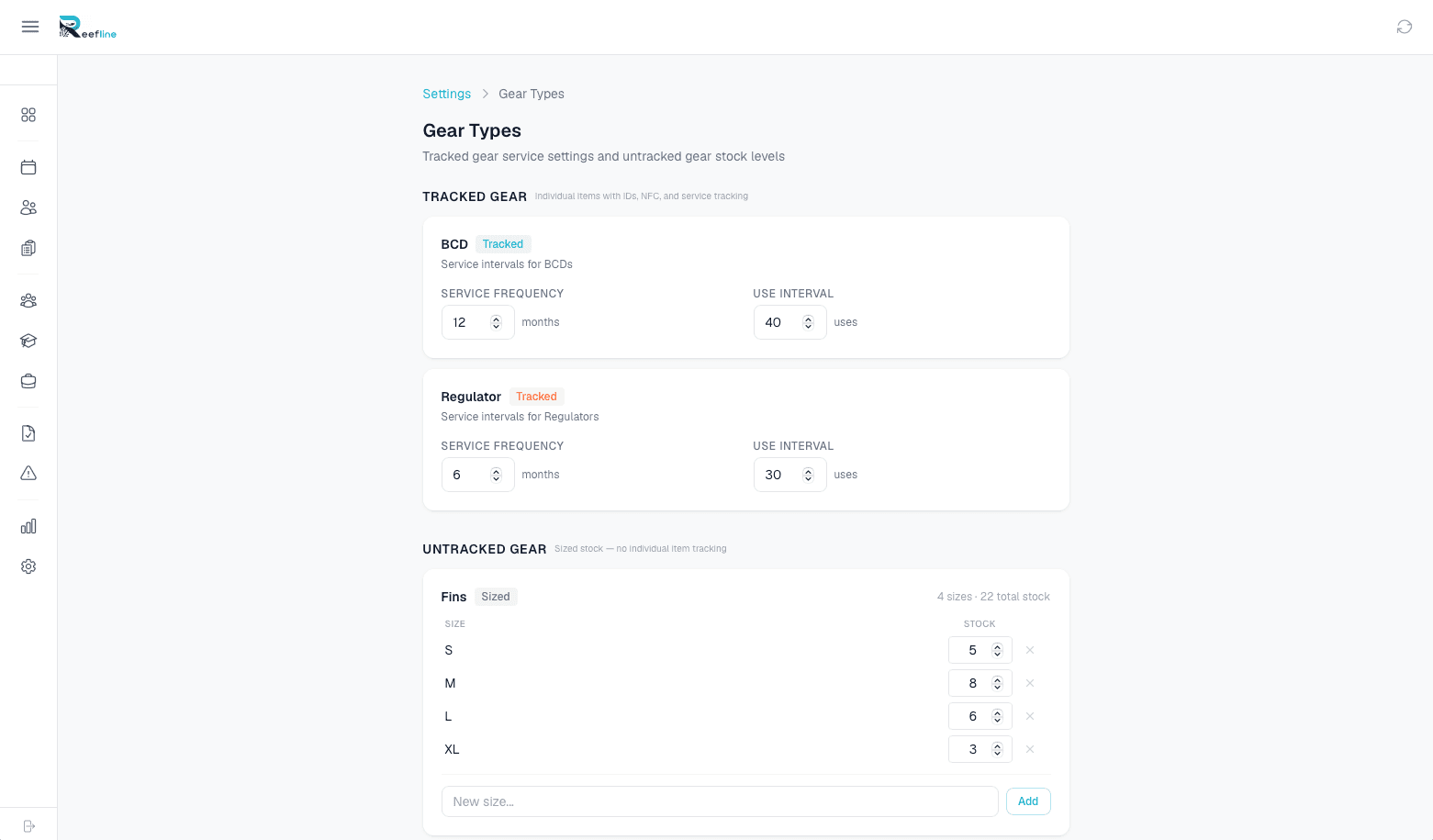
Gear settings -- categories, service intervals, and tracking rules
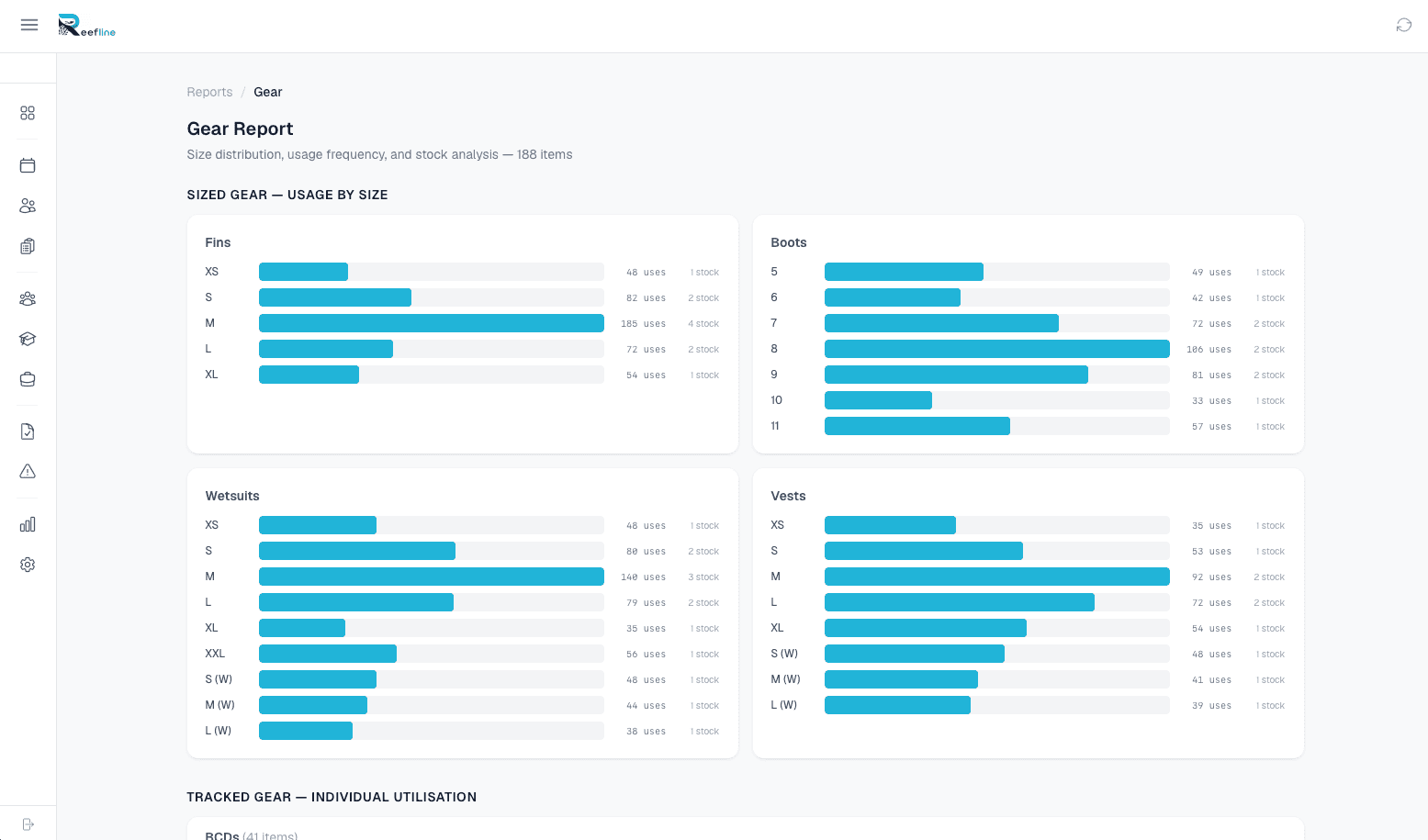
Gear report -- service status and compliance at a glance
Some screenshots show features that may require additional modules to be enabled.
How it works
Getting started takes less than a day. Most operators tag their full inventory in a single afternoon.
Tag your gear
Stick an NFC tag on every piece of equipment. Reefline provides the tags or you can source your own. One tag, one record, permanently linked.
Tap and track
Staff tap tags with their phone to check gear out, check it in, log services, or run stock takes. Every action is timestamped and attributed to a user.
Stay compliant
Reefline tracks service intervals, flags overdue equipment, and keeps a complete audit trail. When an auditor asks, you pull it up in seconds.
See gear tracking in action.
We'll walk through the NFC workflow, show you the service history, and run a mock stock take -- all in 20 minutes.
Book a Demo