Manifests & Operations
Cryptographically signed digital manifests.
Trip planning, crew fit checks, roll calls, dive logs, and a big screen display -- all running offline on a tablet at the helm. No more soggy paper manifests and illegible handwriting.
From departure to debrief. Covered.
Digital trip manifests
Create manifests with passenger details, medical flags, cert levels, and emergency contacts. Maritime NZ-compliant format, generated automatically from your booking data.
Crew fit-for-duty checks
Crew confirm they are fit before every trip. Fatigue, medical, and certification checks are logged against the trip record. If someone fails a check, it's flagged before departure.
Roll calls
Check passengers on and off the boat with a tap. Know exactly who is aboard at any moment. No clipboards, no missed names, no guessing.
Dive logs
Record dive site, max depth, bottom time, conditions, and buddy pairs for every dive. Linked to the trip manifest so you always know who dived where and when.
Big screen display
Show today's trips, passenger counts, weather conditions, and status on a TV in the shop. Customers see their trip at a glance. Staff stay informed without checking a screen.
Offline-capable
The manifest tablet works without a connection. Create trips, run roll calls, and log dives at the mooring. Everything syncs when you're back in range.
Post-trip follow-up emails
Send customers a personalised email after their trip with a summary of their dives, depths, times, and guide. Include a booking link, discount code, or Google review prompt. Configurable templates, scheduled or sent on demand.
Tamper-evident records
Every manifest entry, crew check, and roll call is cryptographically chained. Records can't be altered or backdated without detection. Daily anchor proofs provide independent verification that your records existed at a specific point in time.
On the boat
Purpose-built for a tablet at the helm -- offline-capable, tap-friendly, and designed to work with wet hands.
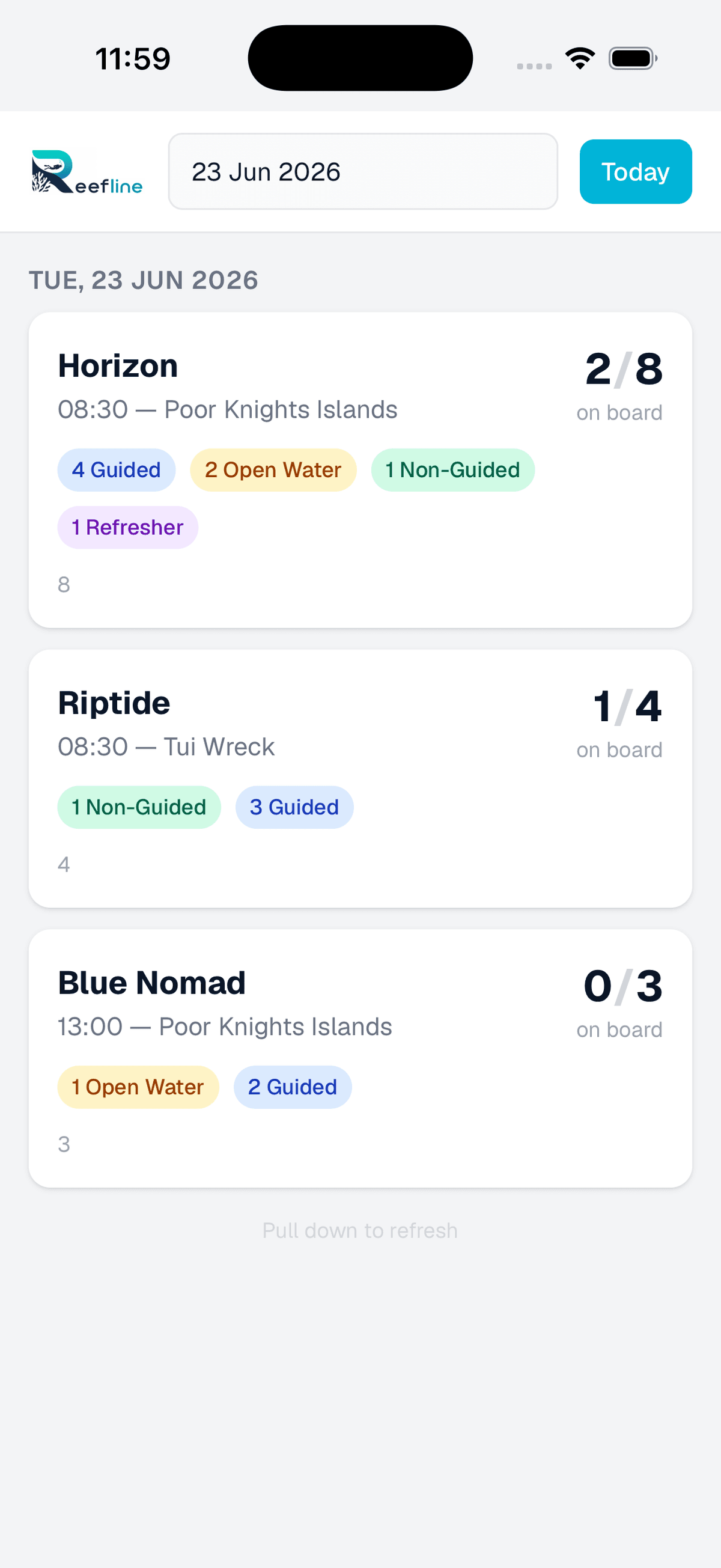
Select the boat
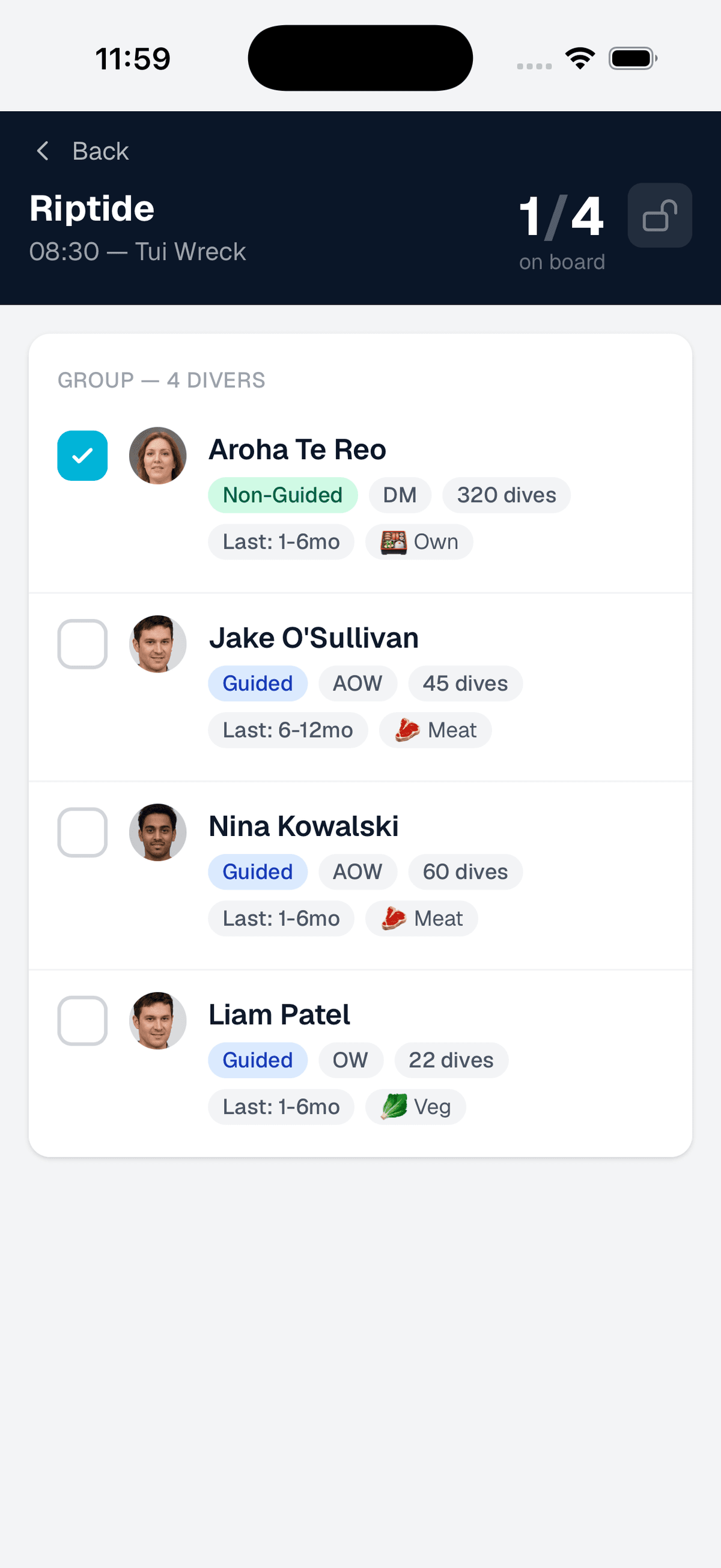
Check in passengers
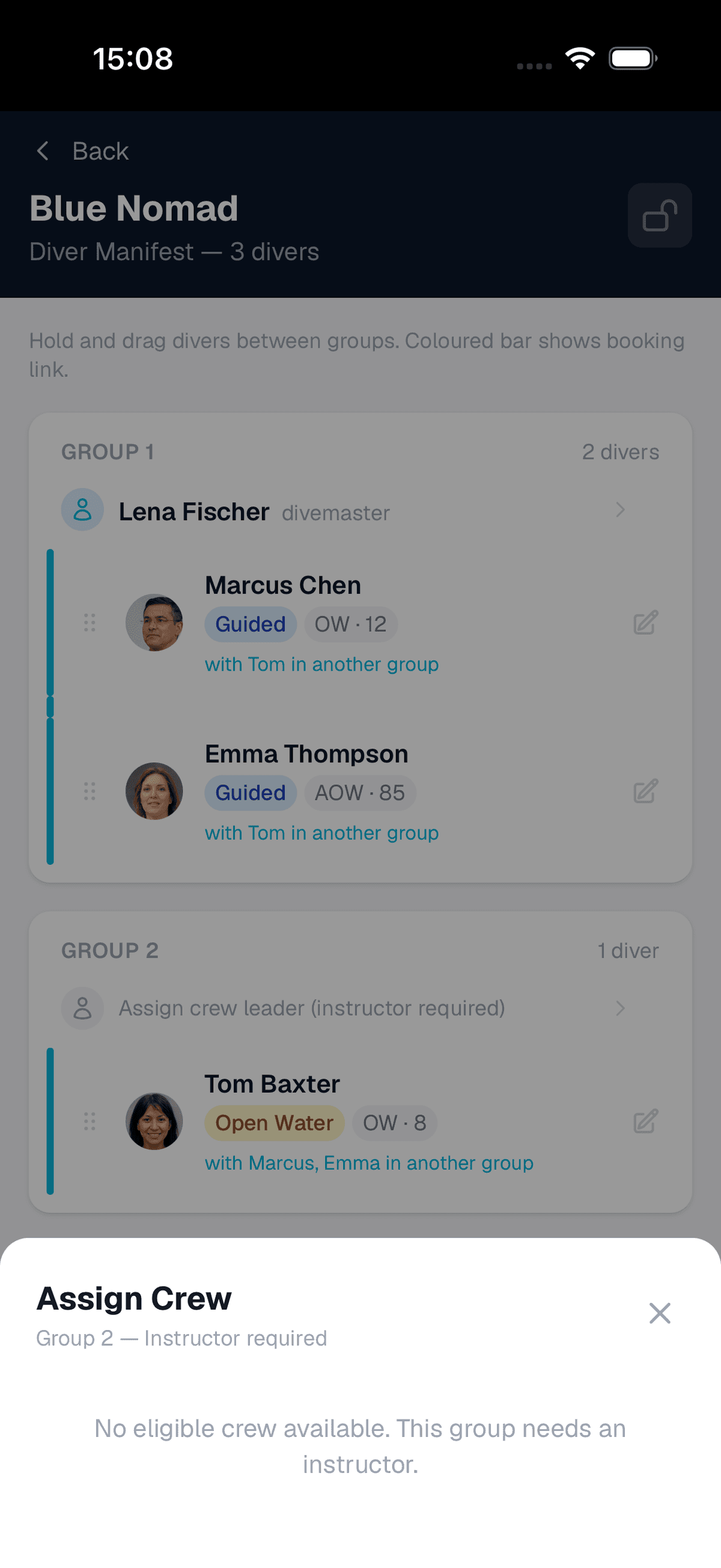
Arrange groups and assign crew
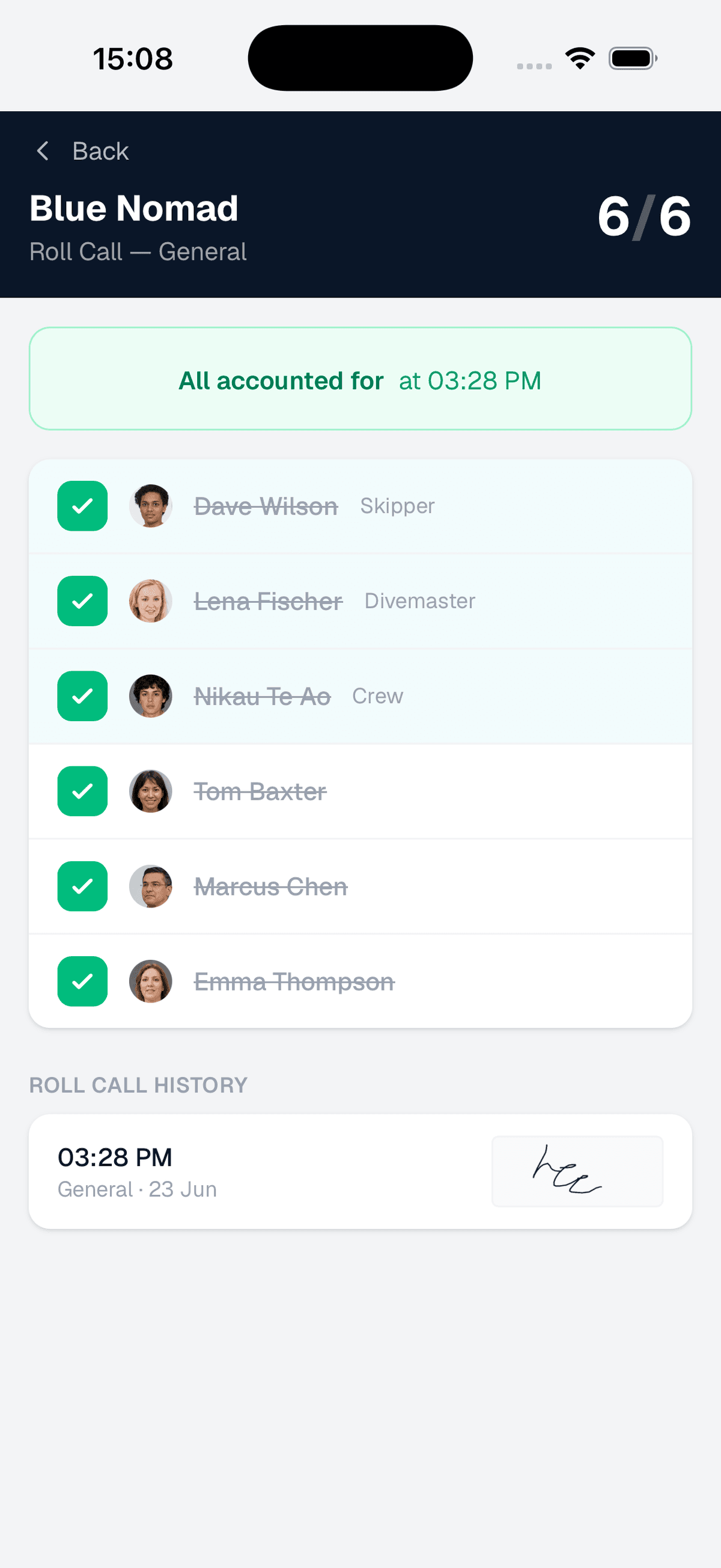
Roll call history -- signed and timestamped
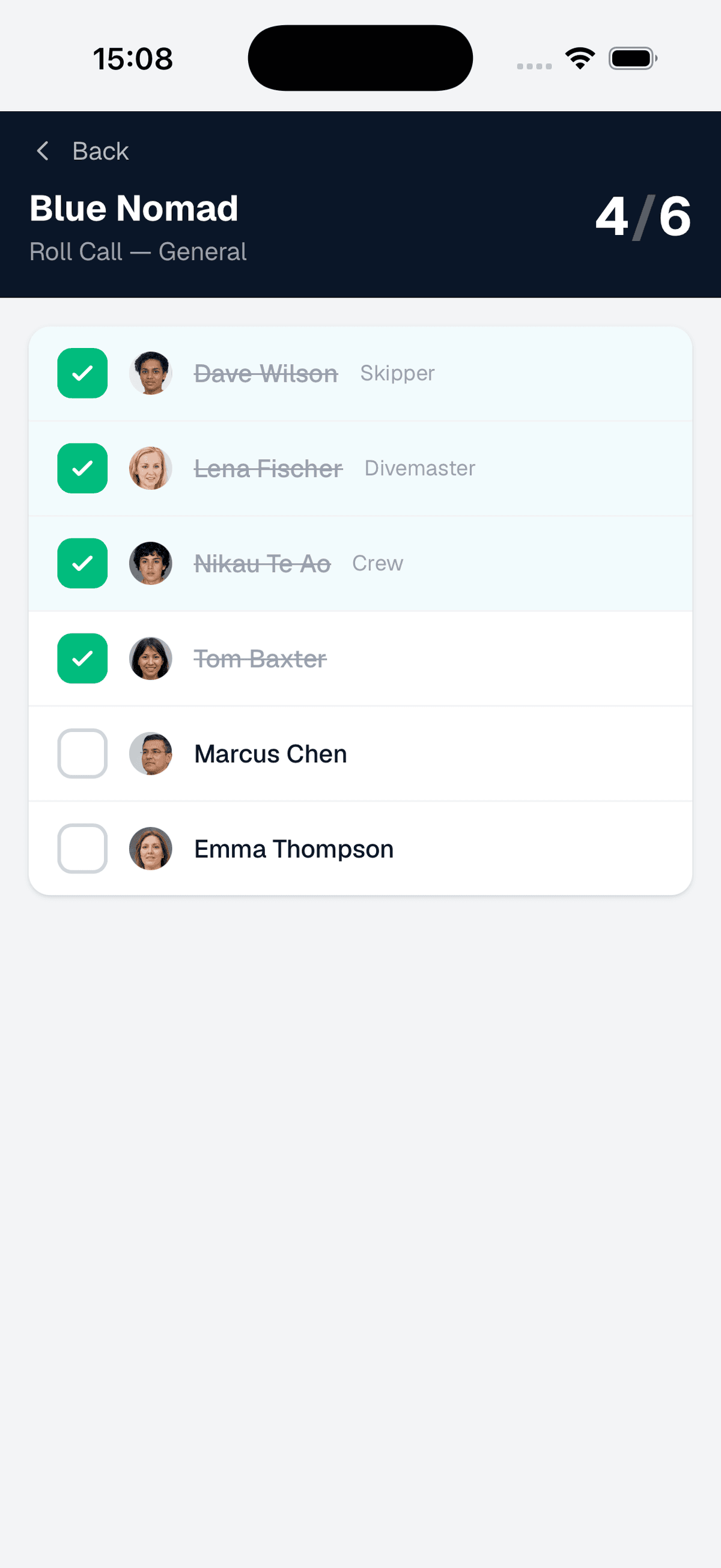
Roll call -- tap to account for everyone
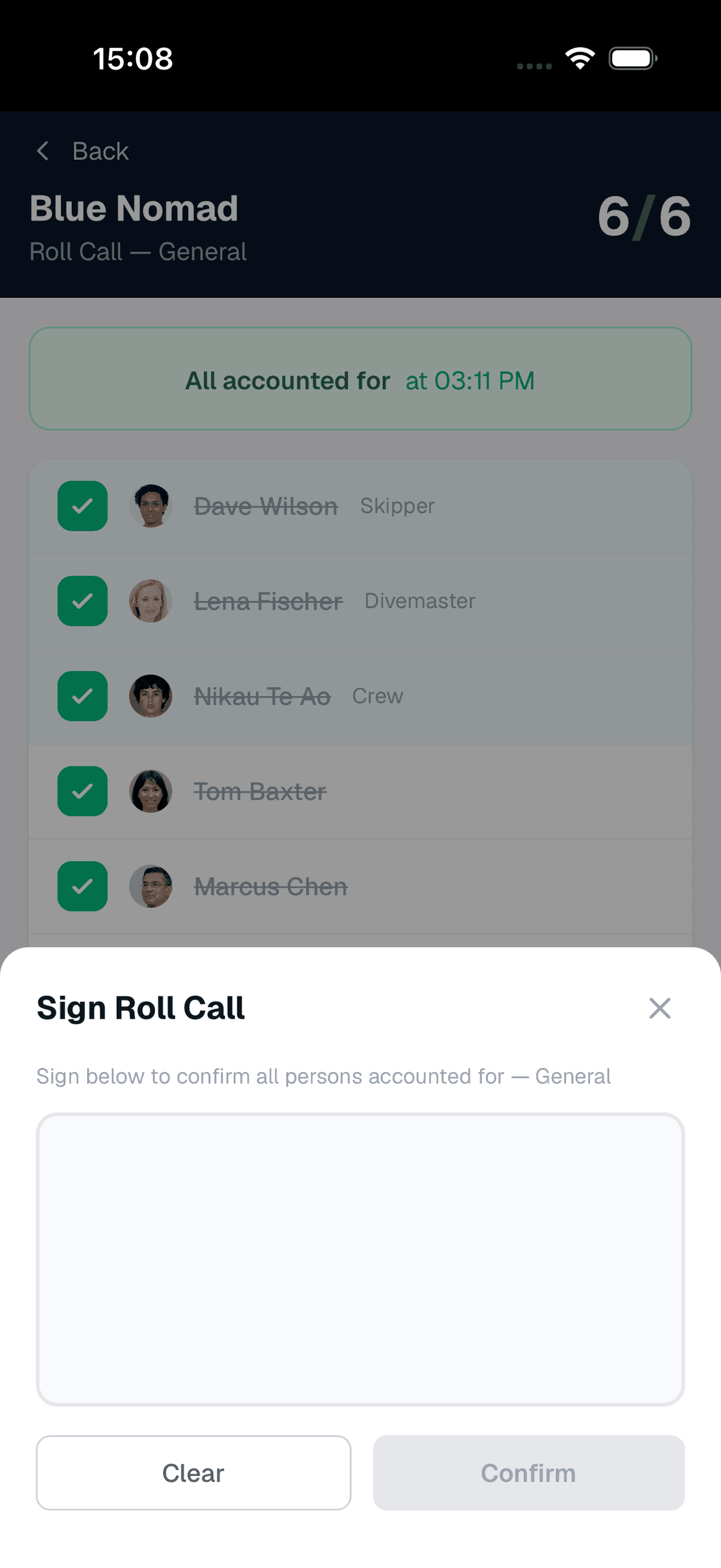
All accounted for -- sign to confirm
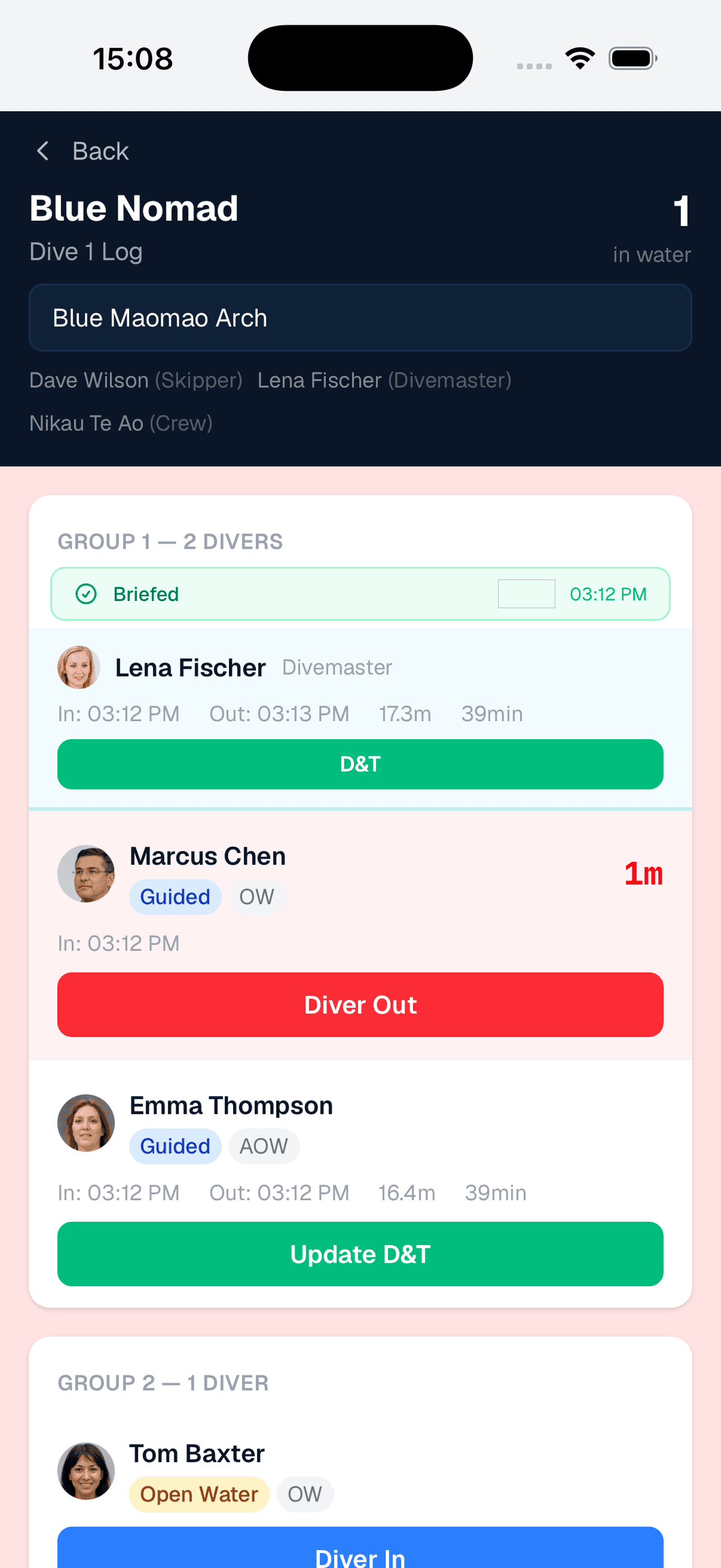
Live dive log -- track every diver in and out
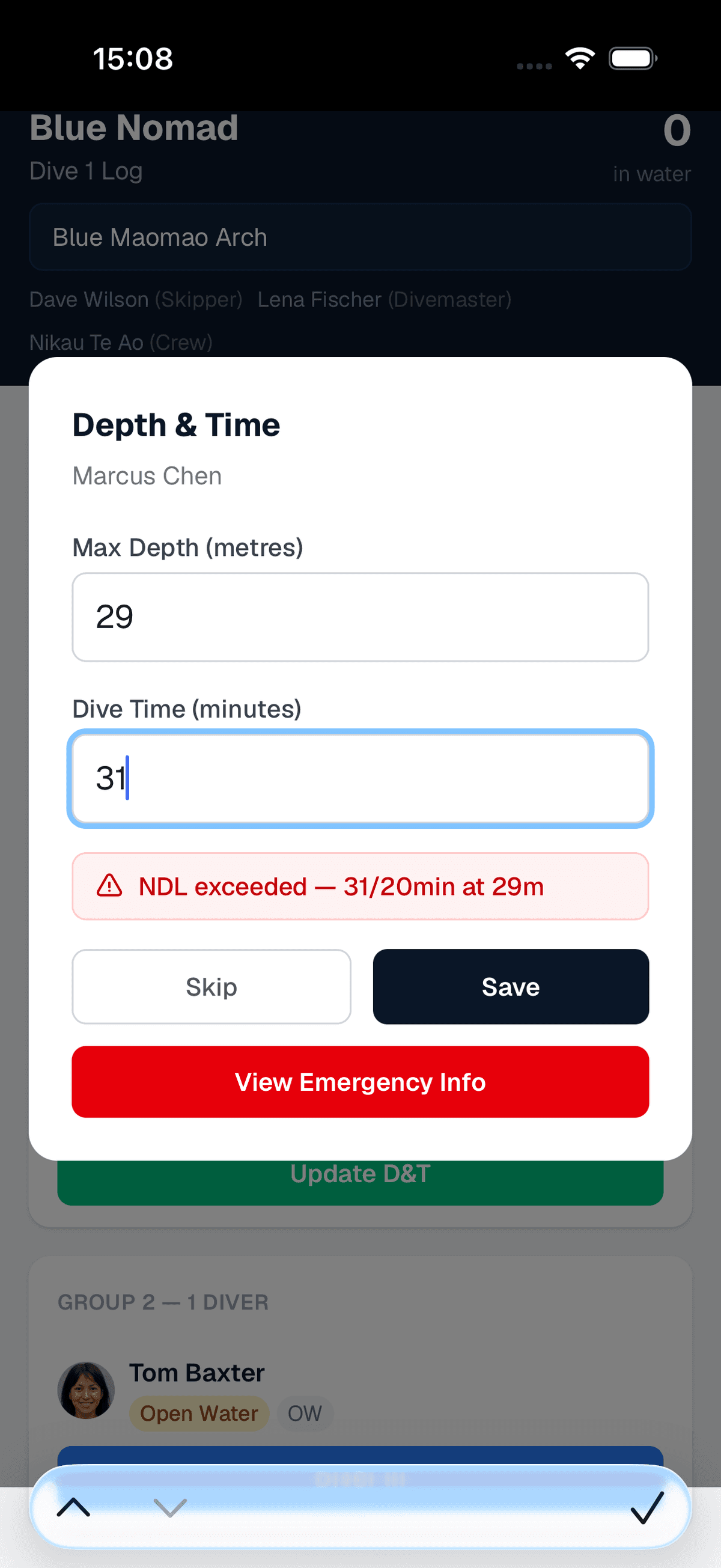
Dive table warnings -- NDL flagged automatically
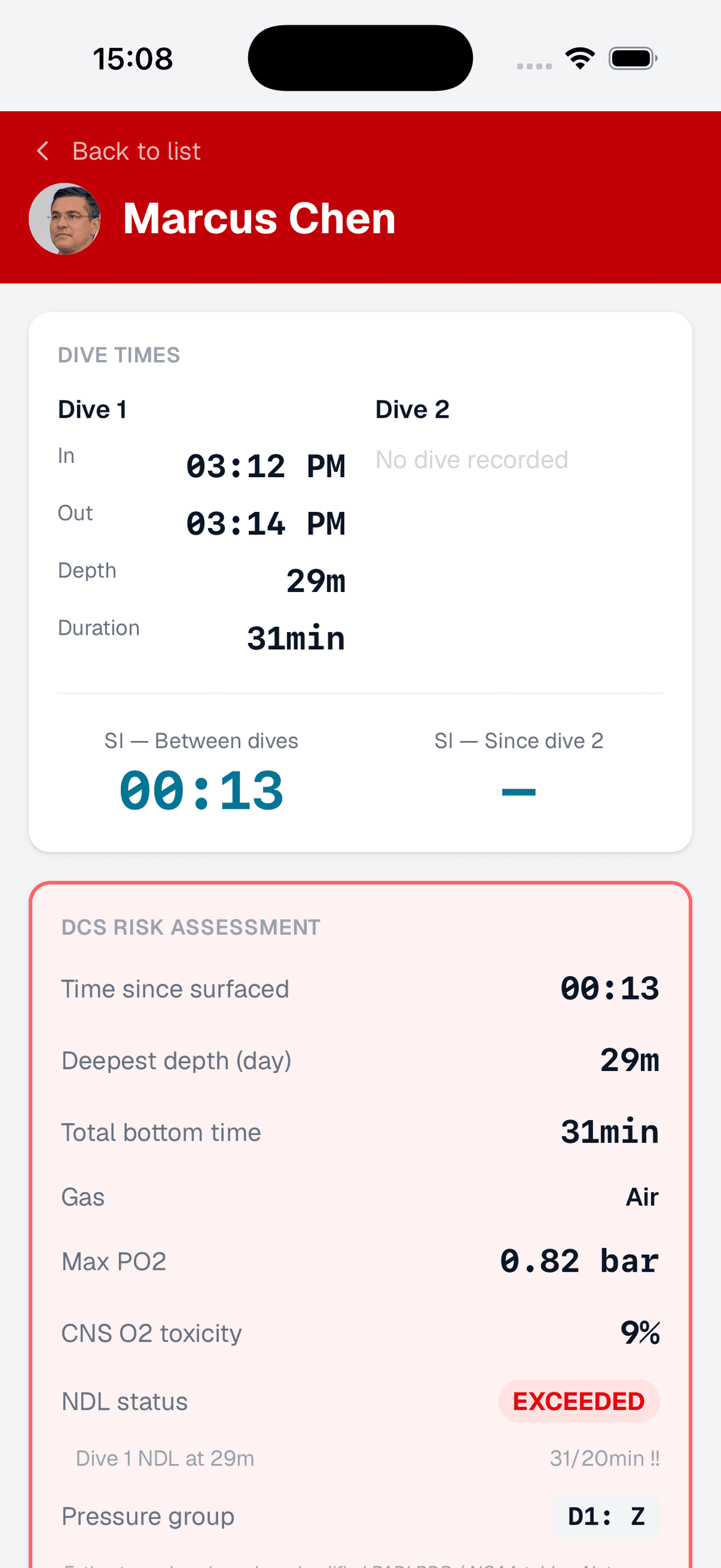
Emergency info -- everything a responder needs
The admin view
Configure trip types, dive sites, and operational settings from the admin panel.
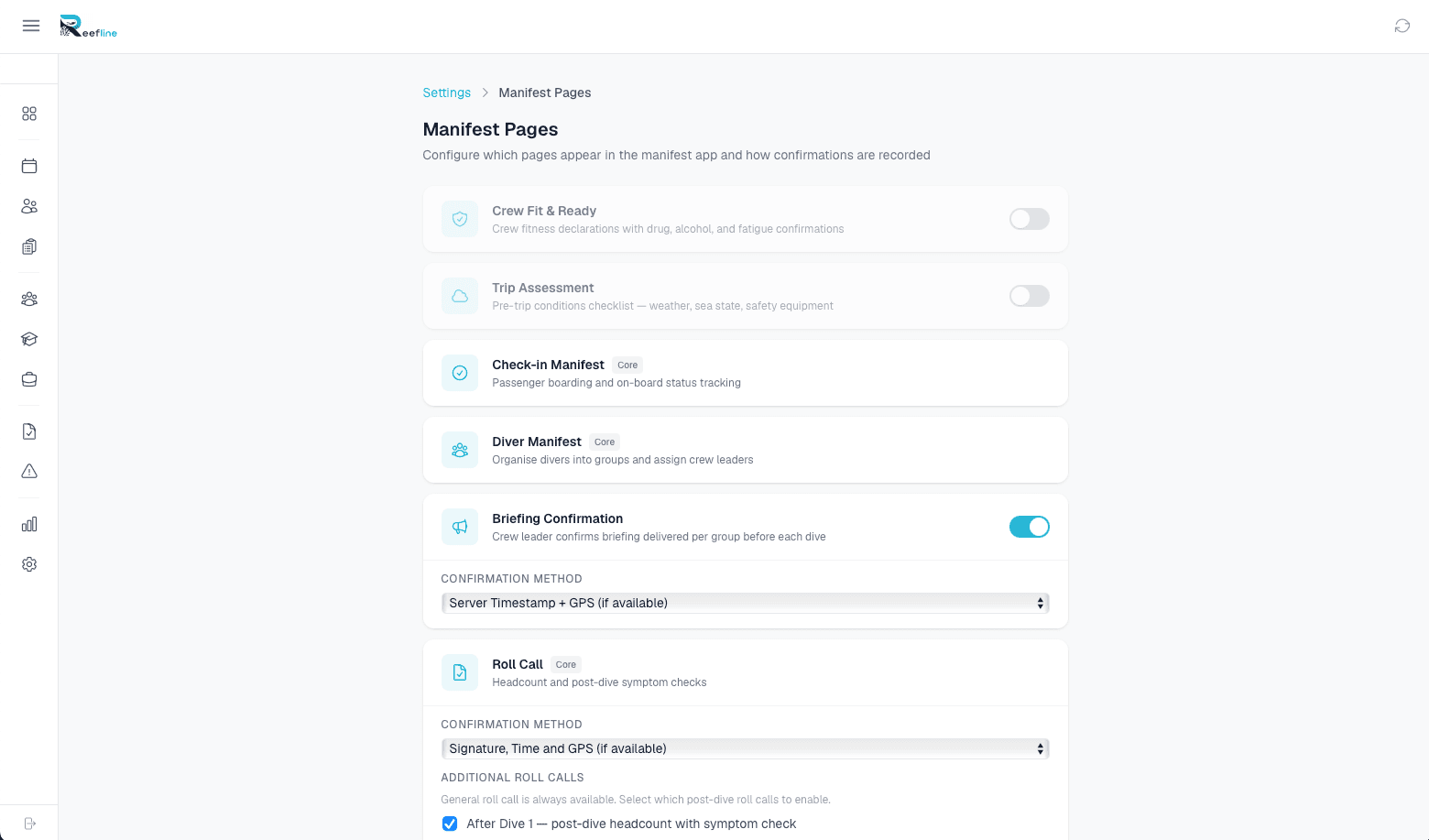
Some screenshots show features that may require additional modules to be enabled.
How it works
Replace clipboards and carbon copies with a workflow that actually matches how you run trips.
Build the trip
Create a trip from your bookings or from scratch. Add passengers, assign crew, set the dive site and departure time. The manifest generates itself.
Run the trip
Roll call passengers aboard. Log crew fit checks. Record dives. All on a tablet at the helm -- no signal required.
Close and archive
Complete the trip, sync the data, and the manifest is stored permanently. Pull it up in seconds for Maritime NZ, insurers, or your own records.
See manifests running on a tablet.
We'll build a sample trip with your dive sites and show you the full workflow -- from booking to archived manifest -- in 20 minutes.
Book a Demo